Technical Support
Obtaining Technical Support
To resolve a problem with your C‑DiGit Blot Scanner, start by contacting LI‑COR Technical Support at licorbio.com/support, or sending an e-mail to biohelp@licorbio.com. Outside of the U.S., contact your local sales office or distributor. Be prepared to give the serial number of your instrument, which can be found on a label on the instrument underside.
LI‑COR Technical Support may ask you to provide copies of the instrument log files to aid in diagnosing problems.
Exporting Image Studio Software Log Files
To export and share a log file with Technical Support:
-
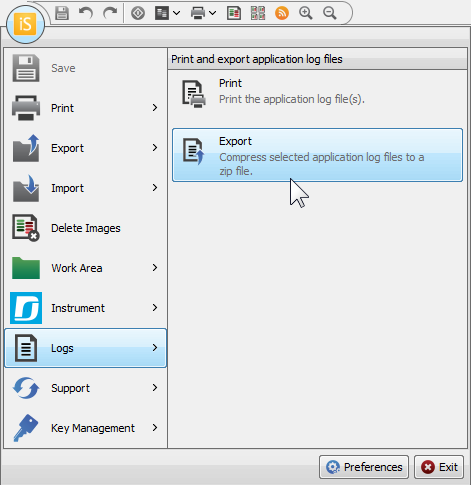
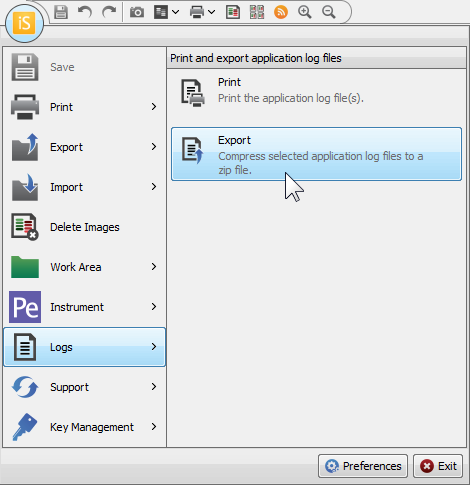
Click the Image Studio Application Button, point to Logs, and then click Export.
-
The Zip Application Log Files dialog will open.
-
In the Zip Application Log Files dialog, select Most recent 2 Meg of log files and choose where to save the file.
The exported file will be called
EventLogs.zip. -
Save the log file and email it to the address recommended by Technical Support.


Embedded Firmware Source Code
The embedded firmware running on the