
Featured Video:
Odyssey® M Applications Webinar: Expand your research capabilities
What if you could multiply your imaging capabilities with one versatile instrument? You can. The Odyssey M Imager–with 18 imaging channels and up to 5-micron resolution–takes you beyond the Western blot to applications including: 3-color Western:…
Watch NowSearch videos by:
Western Blot Reproducibility
Learn practical strategies to improve sensitivity, accuracy, and reproducibility in Western blots.

Improving Screening Workflows for 3D Applications
Explore practical strategies for improving imaging and screening workflows for organoids and other 3D cell models. Using a brain organoid model of Zika infection as an example, this webinar highlights approaches for rapidly imaging entire samples…
Odyssey® M Applications Webinar: Expand your research capabilities
What if you could multiply your imaging capabilities with one versatile instrument? You can. The Odyssey M Imager–with 18 imaging channels and up to 5-micron resolution–takes you beyond the Western blot to applications including: 3-color Western:…

LICORbio Acquisition Software: Membrane Workflow on the Odyssey DLx
In this tutorial, Todd walks through how to use the membrane workflow in the LICORbio® Acquisition Software on the Odyssey® DLx Imager.

Empiria Studio 2.0: Charting for Plate-based Assays
In this tutorial, Todd walks through the process of charting plate-based assays in Empiria Studio® Software. Are you ready to try Empiria Studio Software? Download your free trial now. Have you already tried Empiria Studio and are ready to purchase?…

Empiria Studio 2.0: Cell Stain Linearity Template for In-Cell Western Assays
In this tutorial, Todd walks through the process of building a cell stain linearity plate template for In-Cell Western™ Assays in Empiria Studio® Software.

Empiria Studio 2.0: Antibody Titration Template for In-Cell Western Assays, ELISAs, and Cell Analysis Assays
In this tutorial, Todd walks through the process of building an antibody titration plate template for In-Cell Western™ Assays, ELISAs, and cell analysis assays in Empiria Studio® Software. Are you ready to try Empiria Studio Software? Download your…

Empiria Studio 2.0: Z Prime Factor Determination Template for In-Cell Western Assay on the Odyssey M
In this tutorial, Todd walks through the process of building a Z' factor determination plate template for In-Cell Western™ Assays using Empiria Studio® Software.

Empiria Studio 2.0: Template Library
The template library has pre-created templates that make it easy to get your cell-based assay plate layout started. You can also create your own template. You have the ability to set background, positive, and negative wells, as well as your samples.…

Empiria Studio 2.0: In-Cell Western Assay Target Analysis
In this tutorial, Todd walks through the target analysis workflow for the In-Cell Western™ Assay in Empiria Studio<sup>®</sup> Software. Are you ready to try Empiria Studio Software? Download your free trial now. Have you already tried Empiria…

LICORbio Acquisition Software: Custom Workflow for the Odyssey DLx
In this tutorial, Todd walks through how to use the custom workflow in the LICORbio Acquisition Software for the Odyssey® DLx Imager.

Empiria Studio 2.0: Z Prime Factor Determination for In-Cell Western Assay on the Odyssey M
In this tutorial, Todd walks through the process for Z' factor analysis for the In-Cell Western™ Assay using Empiria Studio® Software and data from the Odyssey M® Imager.

Empiria Studio 2.0: Blocking Buffer Evaluation for In-Cell Western Assays on the Odyssey M
In this tutorial, Todd walks through the process for blocking buffer evaluation for the In-Cell Western™ Assay in Empiria Studio® Software on the Odyssey M® Imager.

Empiria Studio 2.0: Fixation and Permeabilization Workflow for In-Cell Western Assays on the Odyssey M
In this tutorial, Todd walks through the fixation and permeabilization workflow using Empiria Studio® Software for In-Cell Western™ Assays on the Odyssey® M Imager.

Empiria Studio 2.0: Target Analysis for In-Cell Western Assays on the Odyssey M
In this tutorial, Todd walks through the process for target analysis for the In-Cell Western™ Assay using Empiria Studio® Software and data from the Odyssey M® Imager.

LICORbio Acquisition Software: Plate Workflow for the Odyssey M
In this tutorial, Todd walks through how to use the plate workflow in the LICORbio® Acquisition Software for the Odyssey® M Imager.

LICORbio Acquisition Software: Membrane and Gel Workflows for the Odyssey XF
In this tutorial, Todd walks through how to use the membrane and gel workflows in the LICORbio Acquisition Software for the Odyssey® XF Imager.

Empiria Studio 2.0: Cell Stain Linearity Workflow for In-Cell Western Assays on the Odyssey M
In this tutorial, Todd walks through the cell stain linearity workflow for In-Cell Western™ Assays in Empiria Studio® Software for the Odyssey M® Imager.

LICORbio Acquisition Software: Slide Workflow for the Odyssey M
In this tutorial, Todd walks through how to use the slide workflow in the LICORbio Acquisition Software for the Odyssey M® Imager.

LICORbio Acquisition Software: Custom Workflow for the Odyssey M
In this tutorial, Todd walks through how to use the custom workflow in the LICORbio Acquisition Software for the Odyssey M® Imager.

LICORbio Acquisition Software: Plate Workflow for the Odyssey DLx
In this tutorial, Todd walks through how to use the plate workflow in the LICORbio Acquisition Software for the Odyssey® DLx Imager.

LICORbio Acquisition Software: Gel Workflow for the Odyssey DLx
In this tutorial, Todd walks through how to use the gel workflow in the LICORbio® Acquisition Software for the Odyssey® DLx Imager.
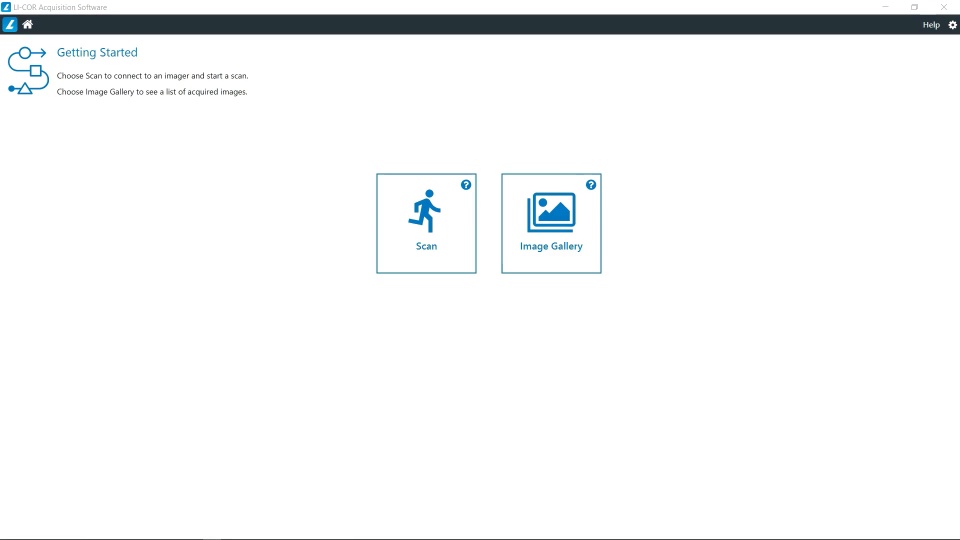
LICORbio Acquisition Software: Gel Workflow for the Odyssey M
In this tutorial, Todd walks through how to use the gel workflow in the LICORbio Acquisition Software for the Odyssey® M Imager.
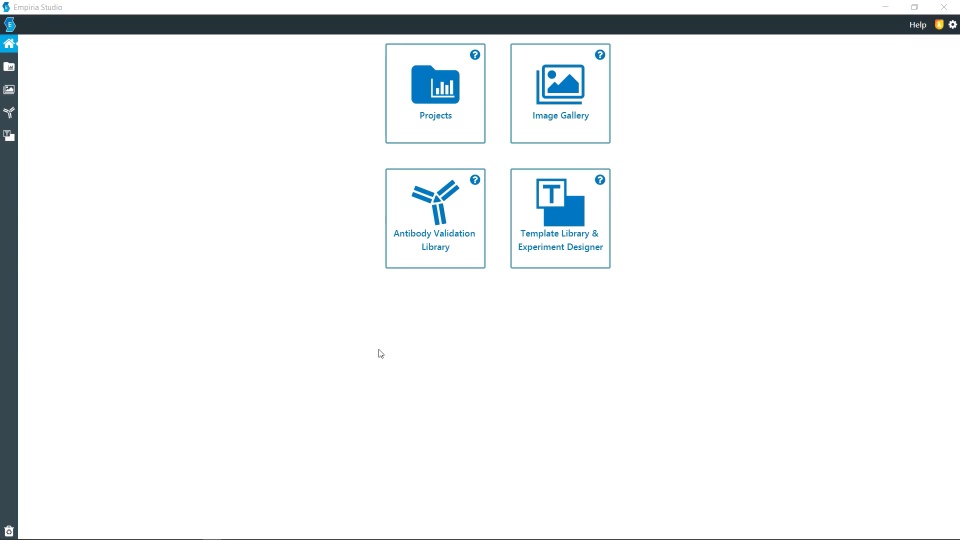
Empiria Studio 2.0: Antibody Titration for In-Cell Western Assays on the Odyssey M
In this tutorial, Todd walks through the process for antibody titration for the In-Cell Western™ Assay in Empiria Studio® Software on the Odyssey M® Imager. Are you ready to try Empiria Studio Software? Download your free trial now. Have you already…
Feedback
How can we make your
video experience better?
Have a question or comment? A great idea for a new video? We are eager to hear your feedback.
Email us at webinars@licorbio.com and tell us what you'd like to see next.