WORKING IN A REGULATED ENVIRONMENT?
Image Studio 21 CFR Part 11 Software includes enhanced security controls, user permissions, and audit trails required for regulated laboratories without disrupting your workflow.

Trusted image analysis for complete confidence in your results. Image Studio™ Software 6.2 — optimized for the full LICORbio ecosystem.
With 150,000 downloads worldwide, LICORbio Image Studio Software is a trusted standard for flexible, reproducible image acquisition and analysis. Its adaptable design provides greater control over analysis parameters in a single package, without manipulating the image. It has been optimized to support the complete LICORbio family of imagers.
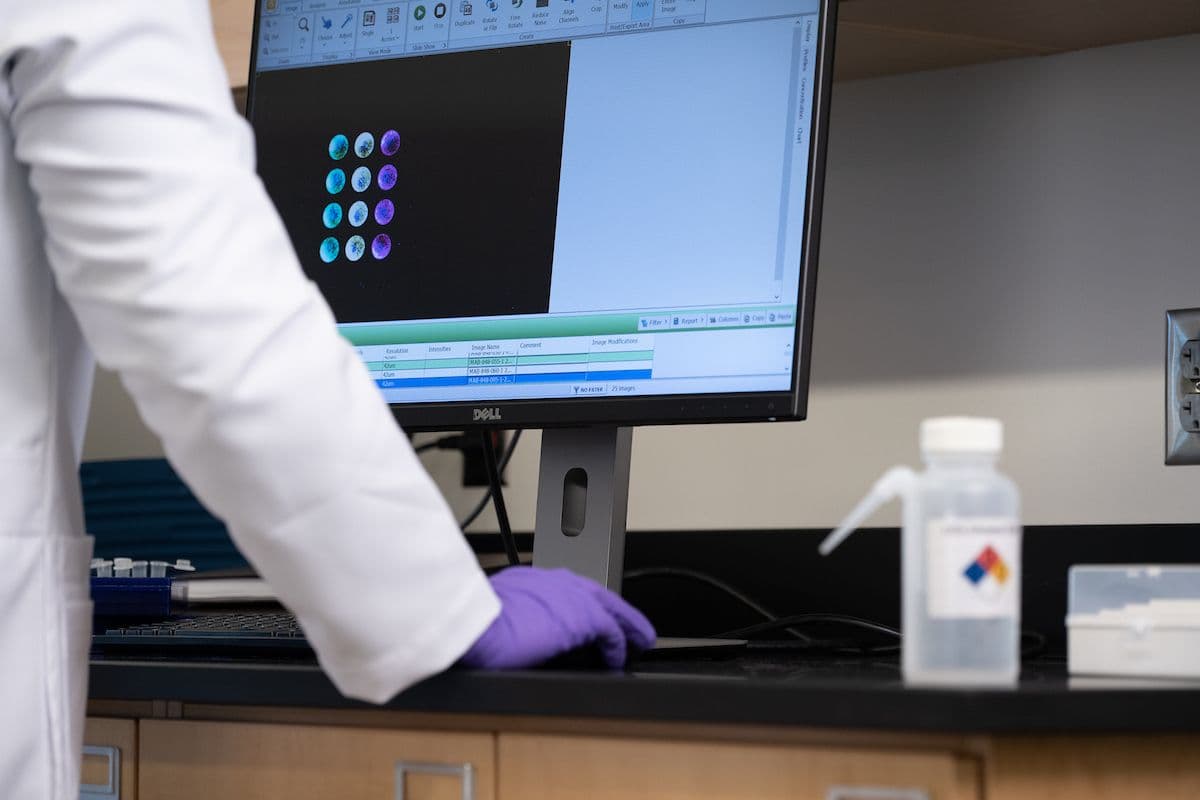
Capture, quantify, and export data in one streamlined platform.
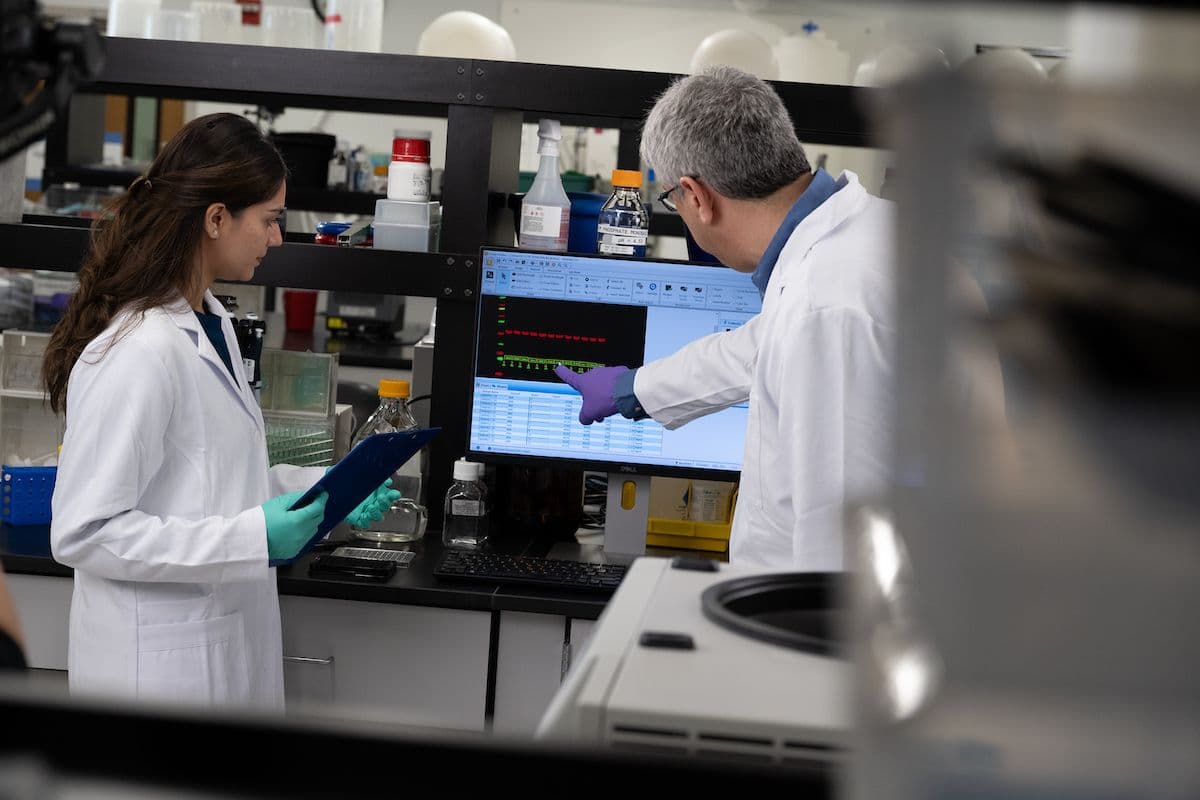
With over a decade of adoption across labs globally, Image Studio Software is a proven standard for reproducible image analysis.
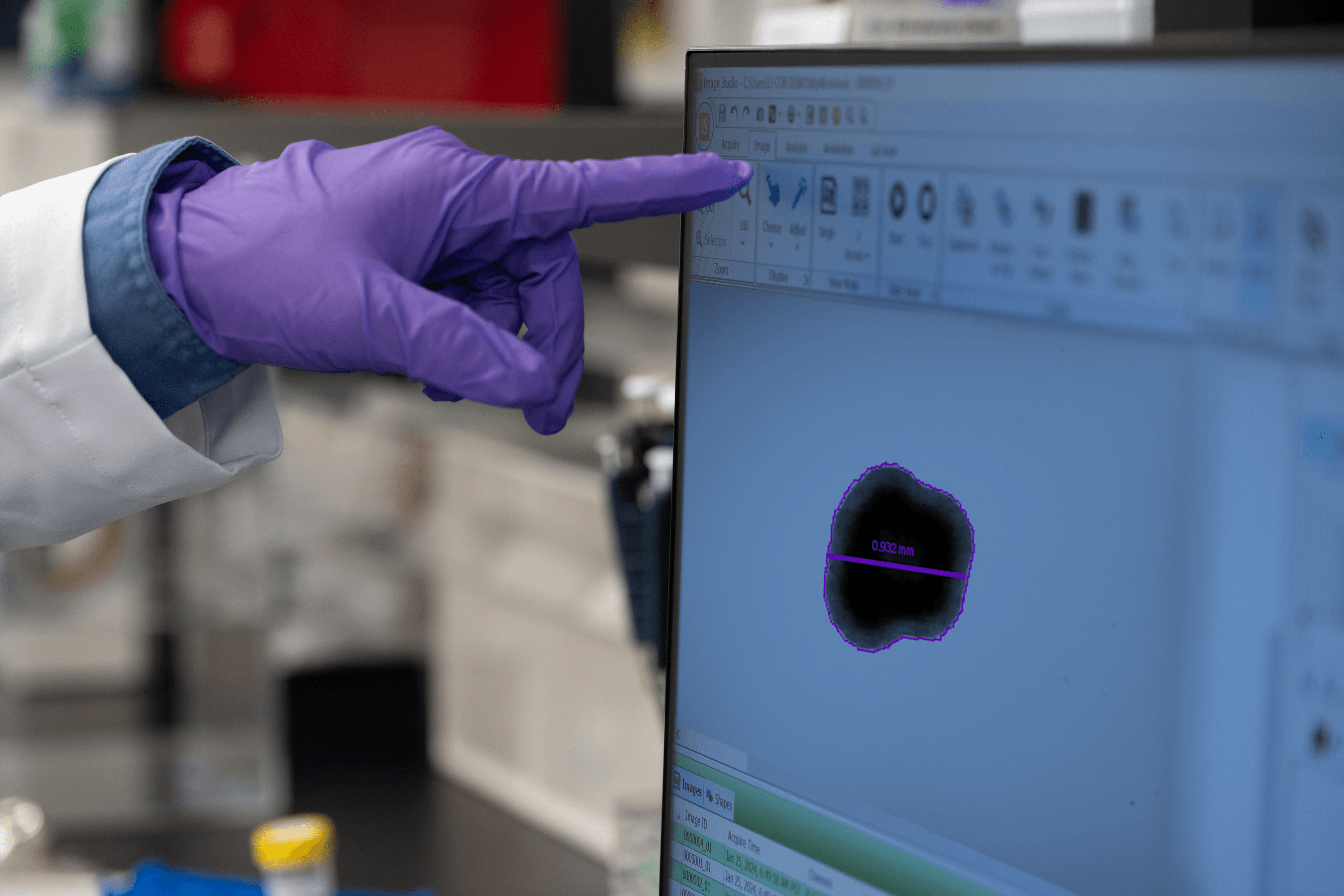
Available at no cost, Image Studio Software delivers the performance researchers expect with an intuitive, streamlined experience.
Save Morphology Analysis settings—including thresholds and other parameters—as reusable templates.
Analyze multiple acquisitions at once and automate repetitive workflows using saved templates.
See estimated scan times before you click start so you can optimize scan parameters and plan your workflow without trial and error.
Zoom to the same location simultaneously across multiple acquisitions—ideal for time-course imaging and plate well comparisons.
Analyze plate-based experiments using predefined templates that organize results by well position, enabling faster analysis and clearer data organization.
Image Studio Software 6.2 builds on the trusted capabilities researchers rely on—providing the essential tools for consistent image acquisition, analysis, and data organization across experiments.
Save sets of scan parameters so you can quickly reuse optimal settings for different imaging applications, such as plates or blots. Scan settings can also be organized within Work Areas, helping teams standardize imaging workflows across users and projects.
Image Studio Software provides many display options so that you can see what you need to see without changing quantification data. With the custom color picker, you can choose from many color presets or enter a color's hex value so that you can get the color and contrast you need.
Developed to work with images from LICORbio instrumentation, Image Studio Software provides accurate pixel intensity-based quantification as well as morphological measurements.
Add, remove, sort, and multi-level filter table columns to structure results the way your workflow requires. Custom metadata fields allow you to organize image acquisitions for easier research tracking and retrieval.
Export tables directly to spreadsheets or copy data instantly for downstream analysis and reporting. Filename variables allow metadata to be automatically added during export for clean, organized file management.
Unlike software that causes destructive edits, Image Studio Software preserves original image acquisitions, safeguarding all the research and work that went into acquiring them. Changing display settings does not change quantification values. The original image acquisition is preserved after image transforms (e.g., crop, rotate).
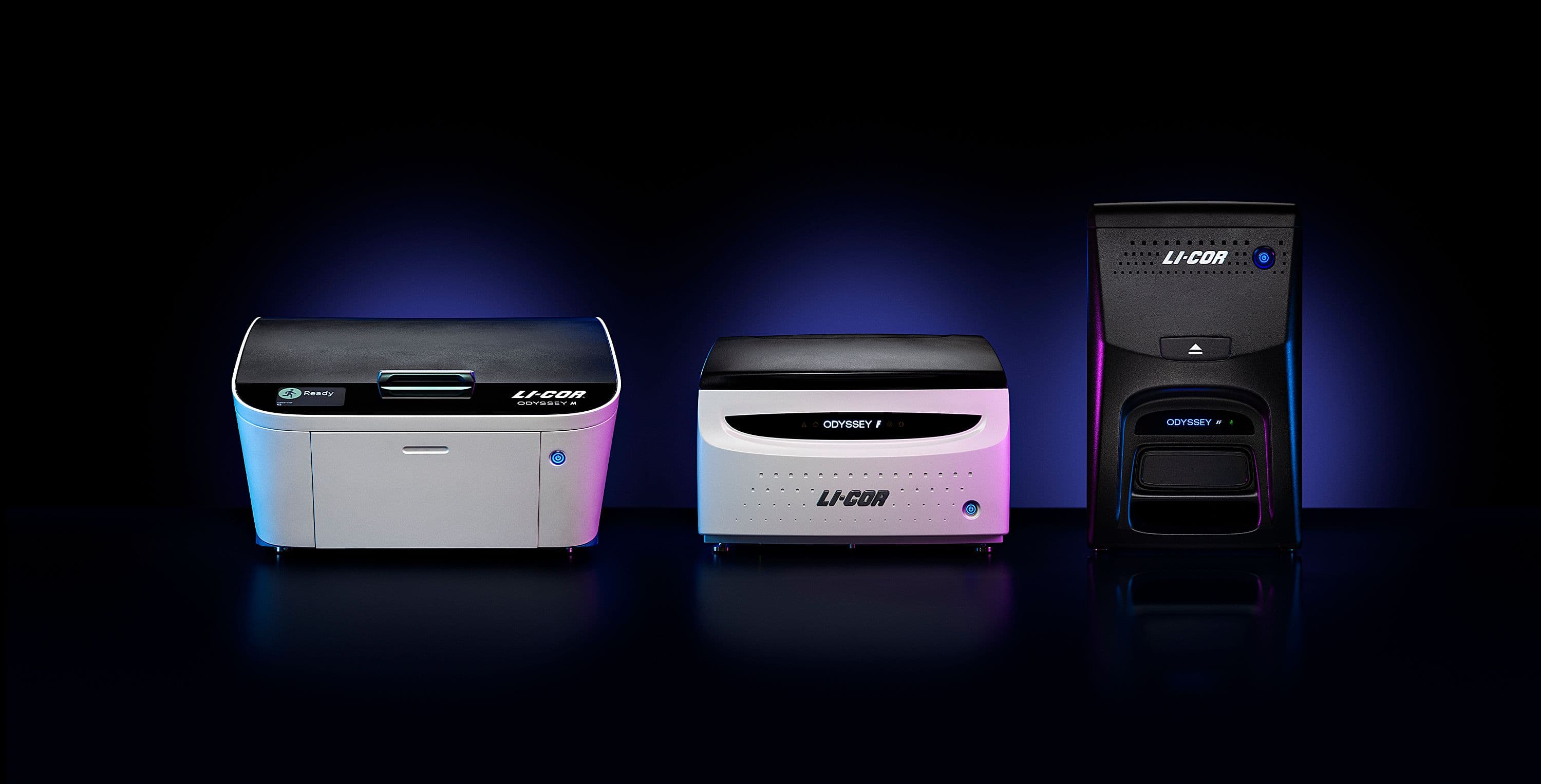
Fully optimized for LICORbio® instruments and compatible with Windows and macOS systems.
Image Studio 21 CFR Part 11 Software includes enhanced security controls, user permissions, and audit trails required for regulated laboratories without disrupting your workflow.
Download the free version of Image Studio Software by completing the form below.
Before You Upgrade to Image Studio Software 6.2: Image Studio Software 6.2 can open Work Areas created in earlier versions. Once opened in 6.2, those Work Areas cannot be reopened in earlier versions. Be sure to confirm compatibility with others in your lab before upgrading.
If you use Morphology Analysis or rulers, please review the Morphology Analysis updates before opening existing Work Areas in Image Studio Software 6.2.

Thank you for your request. You will receive an email shortly with a link to download Image Studio Software.
Note: If you do not receive your email within a few minutes, check your spam or junk folders.
We are unable to display the form due to your browser’s privacy settings. Please fill out the form here. If you need further assistance, please contact marketing@licorbio.com
When you complete this form, your information is collected by LICORbio (United States) and shared with LI-COR and its subsidiaries, LI-COR INC, LI-COR GmbH (Germany) and LI-COR Ltd (United Kingdom).LI-COR and its subsidiaries work closely together to provide scientific expertise and prompt responses to customers globally. Depending on your location, your information may also be shared with a distribution partner. For more details, view our Privacy Policy (www.licorbio.com/privacy) or contact privacy@licorbio.com.
 Powered by Bioz